Online Computer Repair & Remote PC Support
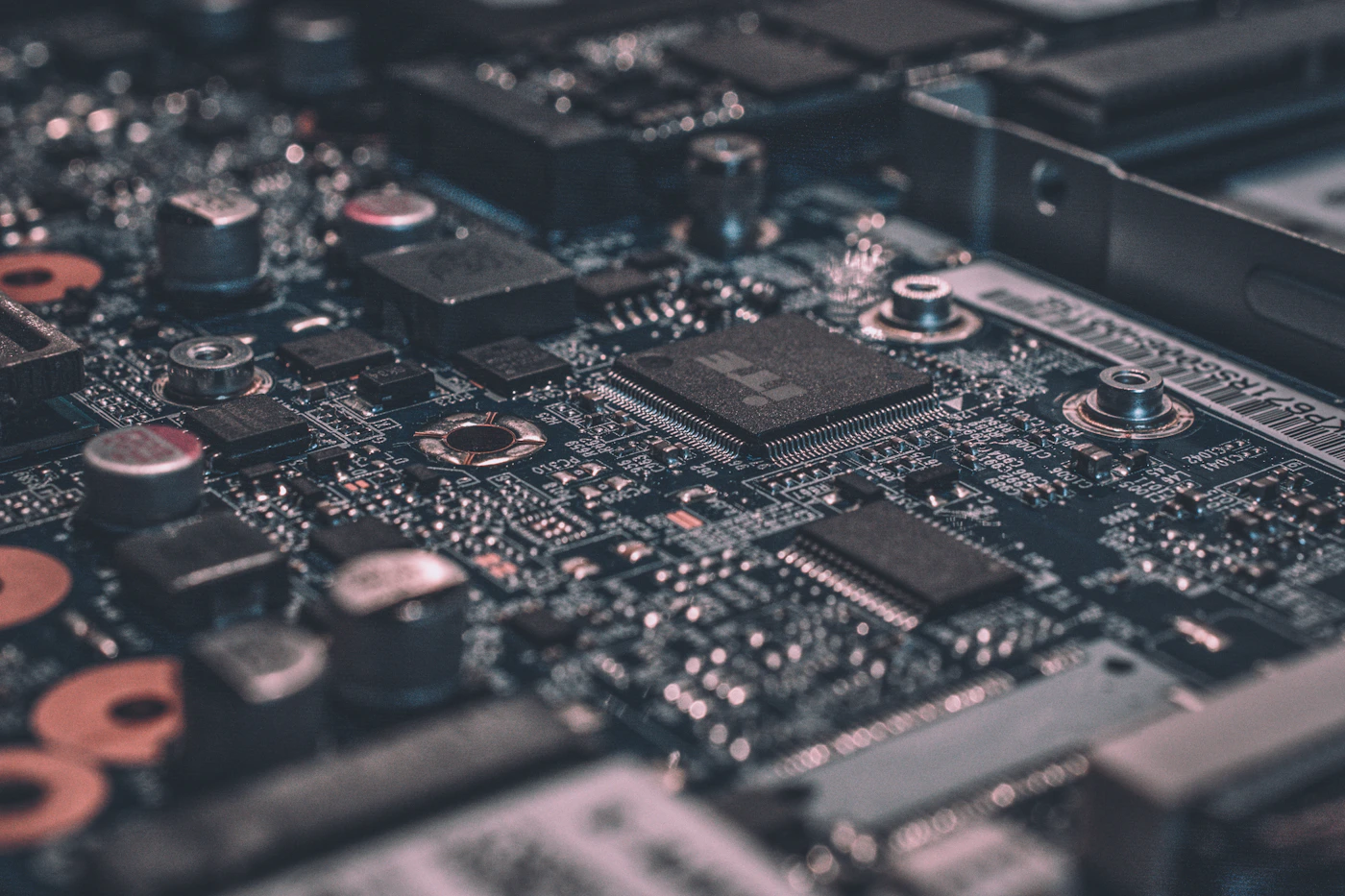
Looking for online computer repair or remote PC support? PC Repair Online helps you identify common software and configuration problems and choose a safe next step. Remote troubleshooting may help with Windows errors, software installation, drivers, slow performance and connectivity problems.
Problems that may be handled remotely
- Windows error messages and startup troubleshooting
- Slow computer and basic performance checks
- Software installation and driver configuration
- Printer setup, internet and Wi-Fi troubleshooting
- Basic security and malware-safety guidance
When local repair is better
A PC that has no power, a damaged screen, suspected storage failure, liquid damage, unusual burning smells or physical hardware faults may need in-person inspection. Do not keep powering on a device that may be electrically damaged.
Remote access safety
Only allow remote access to a provider you trust, stay present during the session and close access when the work is complete. Never share OTPs, banking passwords or unrelated private files. Confirm price and scope before work starts.
How to prepare
- Write down the exact error message.
- Tell the technician your device type and Windows version if known.
- Back up important files where possible.
- Ask what changes will be made and whether a fee applies.
Remote support availability, response times and pricing must be confirmed before booking.